Overview
Between classes, labs, and training, my assignments were spread across syllabi, course sites, and notes. I wanted one place to see everything I had to do, sorted the way I actually think about my work. So I started building my own app in January 2026, and I keep shaping it as I learn what helps me stay focused.
What it does
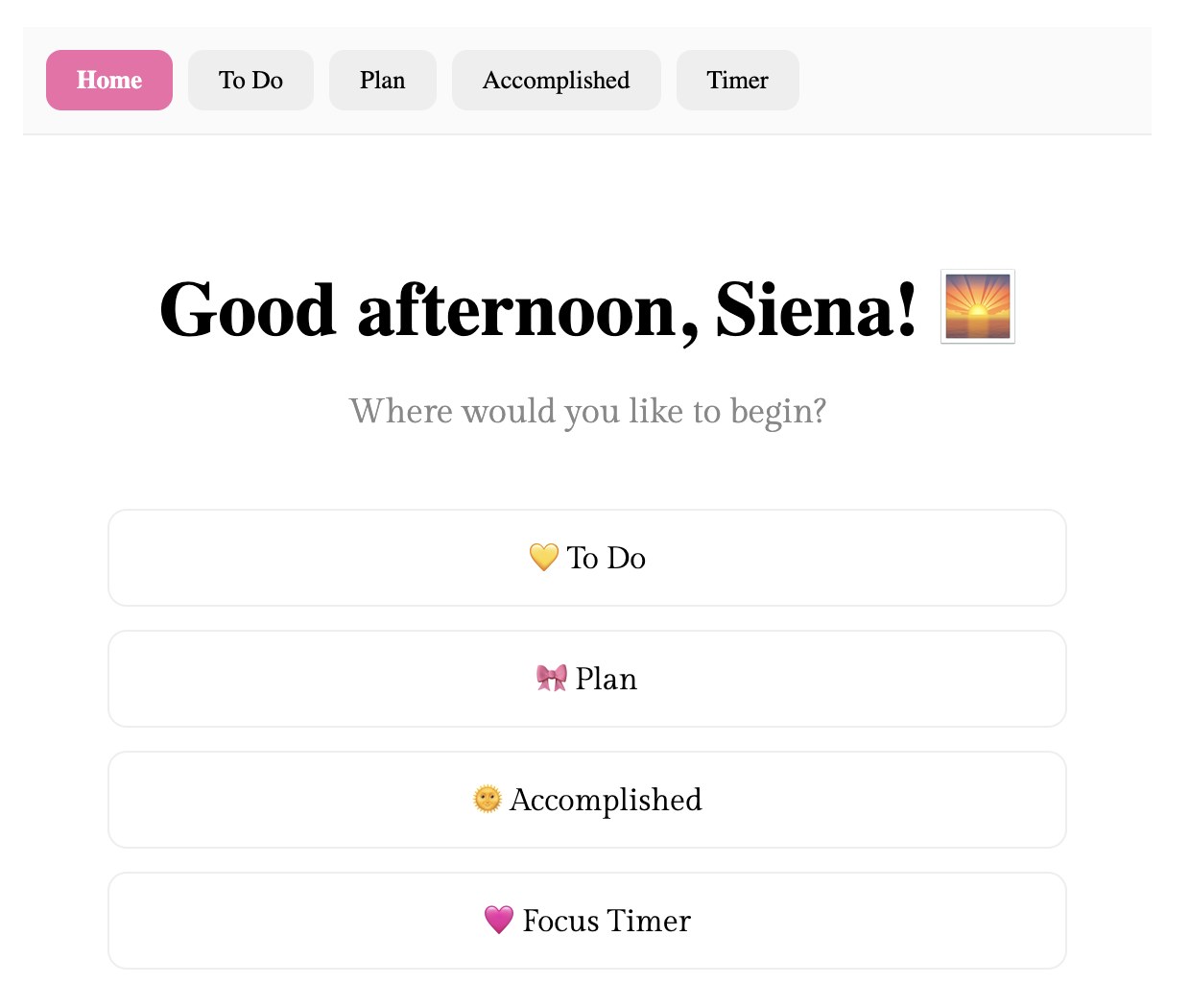
The app is organized into five tabs — Home, To Do, Plan, Accomplished, and Timer — so everything lives in one place.
- To Do
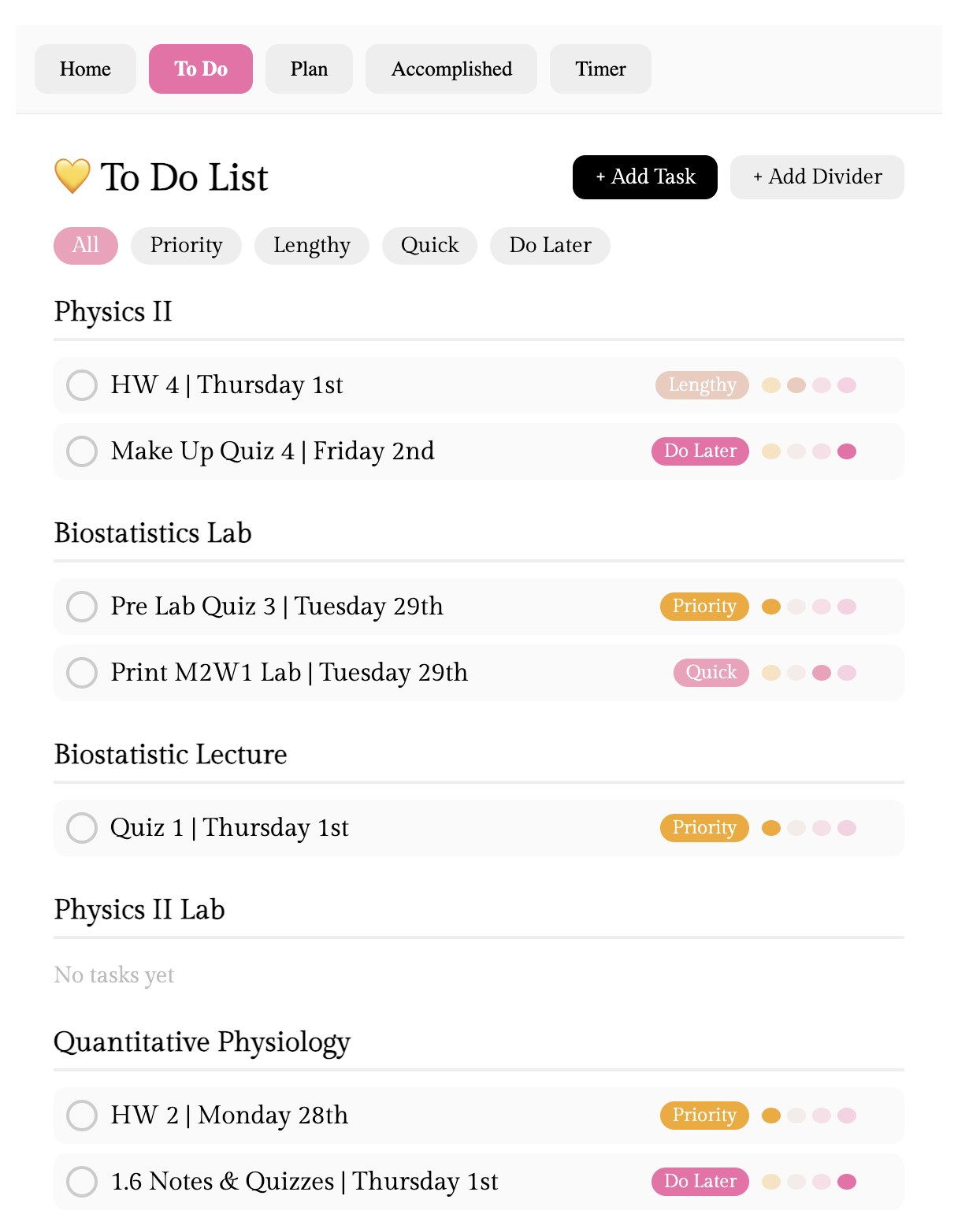
- Assignments grouped under a divider for each class, each with its due date. Every task gets a tag — Priority, Lengthy, Quick, or Do Later — and filters let me see just one kind at a time.
- Timer
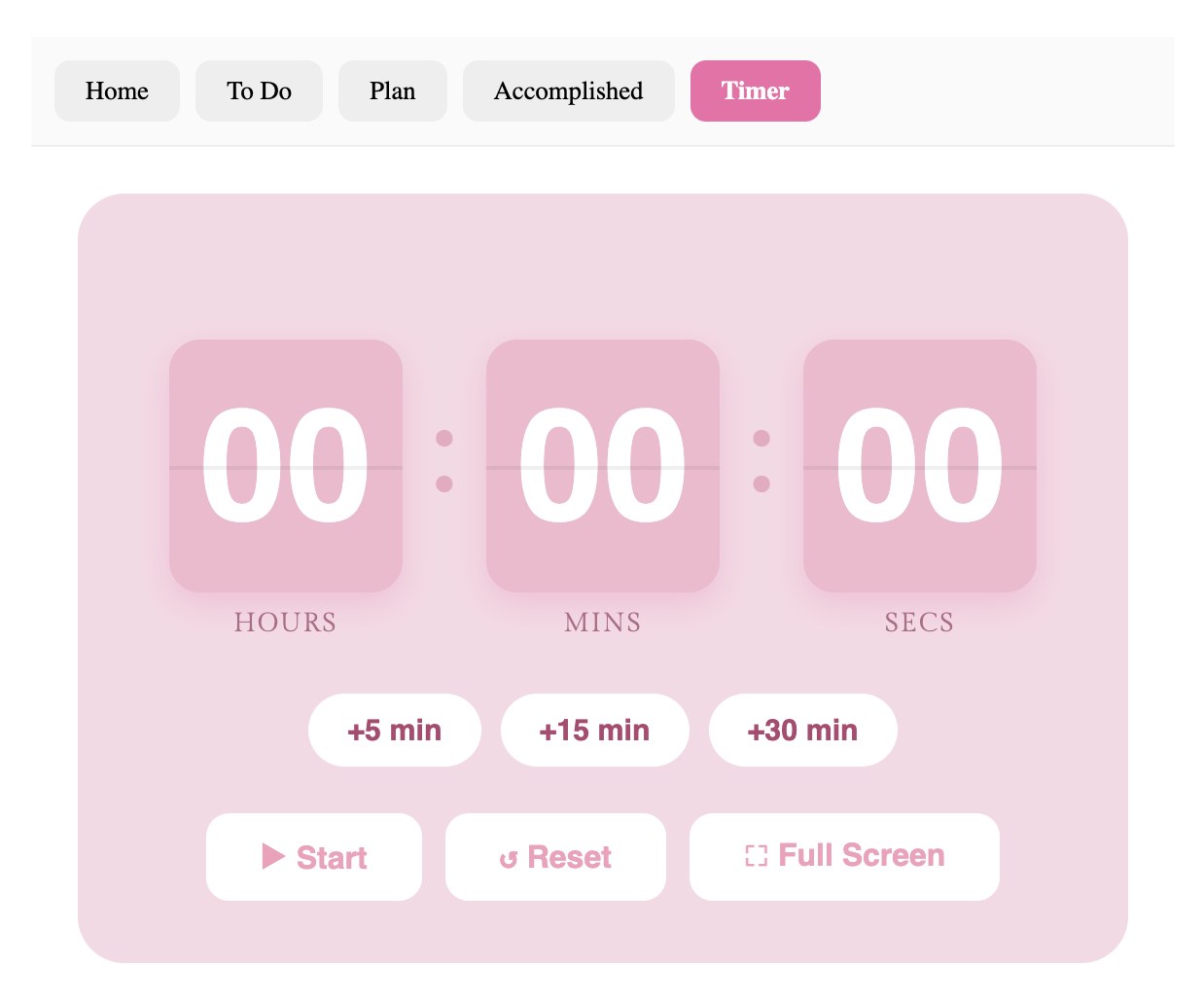
- A flip-clock focus timer with quick +5, +15, and +30 minute buttons and a full-screen mode.
- Plan & Accomplished
- Tabs for planning out my work and looking back at what I've finished.
How I built it
I designed and built the app with Claude, writing and editing the code in VS Code, and keep the project on GitHub. Working this way let me go from an idea to a working feature quickly, then keep adjusting the design until it fit how I work.